
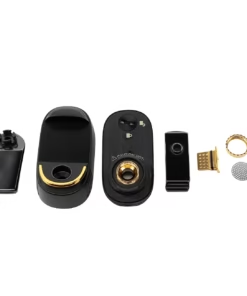
Wolkenkraft LIVE
£499.00
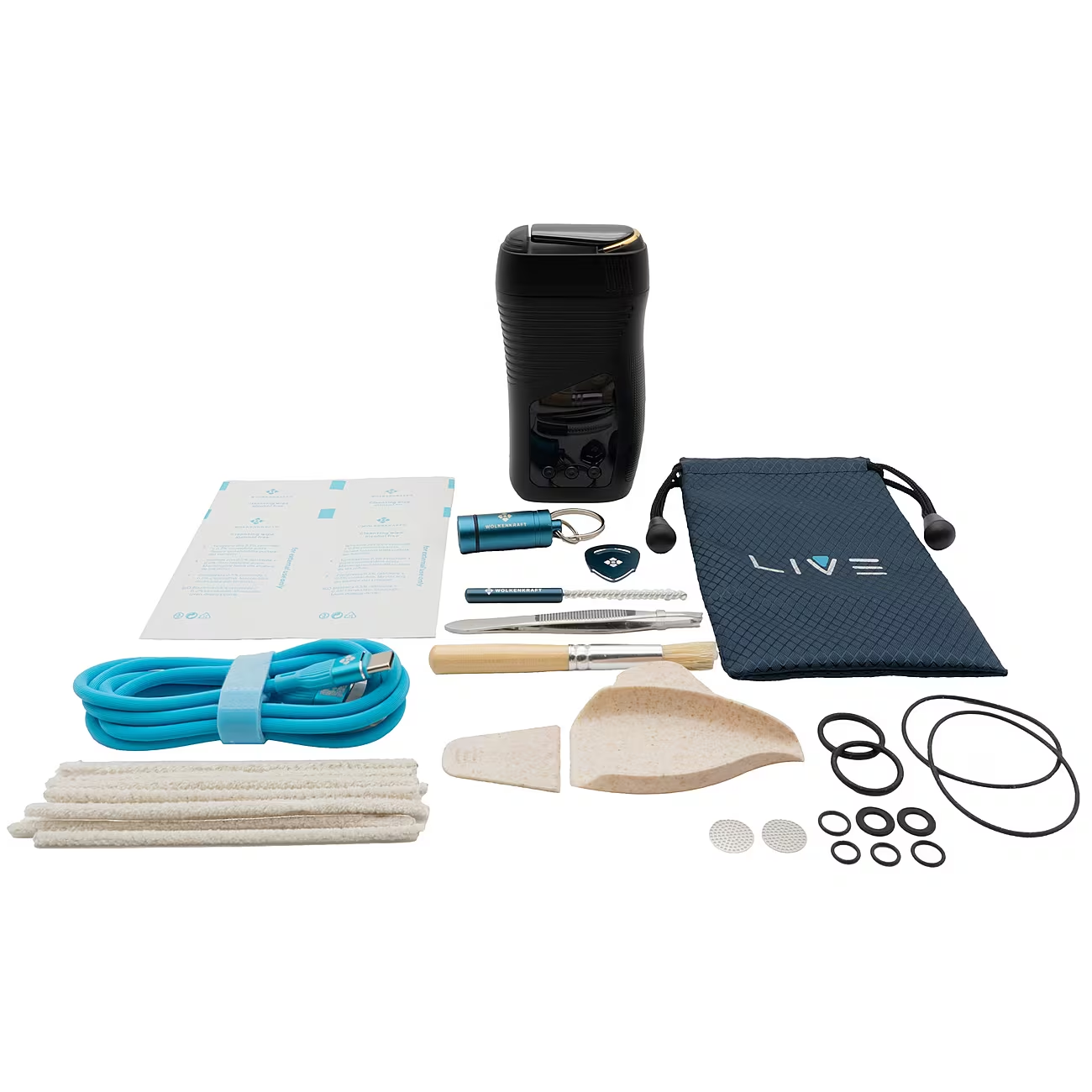
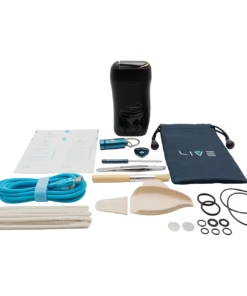
What’s in the box?
- Wolkenkraft LIVE vaporiser.
- Filling aid.
- Two herb dosing capsules.
- Capsule container.
- Storage pouch.
- Multi-tool.
- Seal ring set.
- Two mouthpiece screens.
- 120 cm USB-C charging cable.
- Tweezers.
- Two cleaning brushes.
- Ten cleaning sticks.
- Four cleaning wipes.
- Instruction manual.
Buy Wolkenkraft LIVE
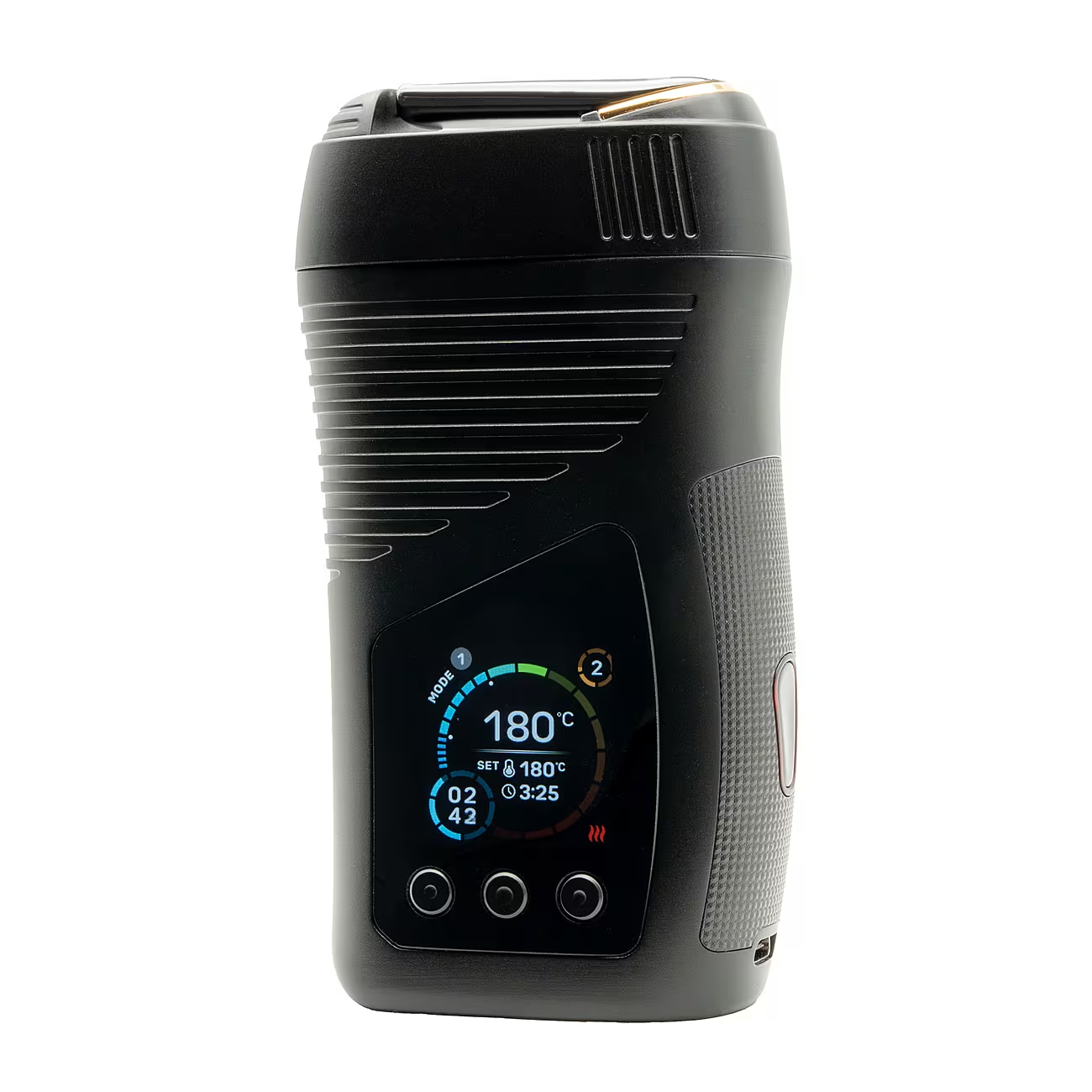
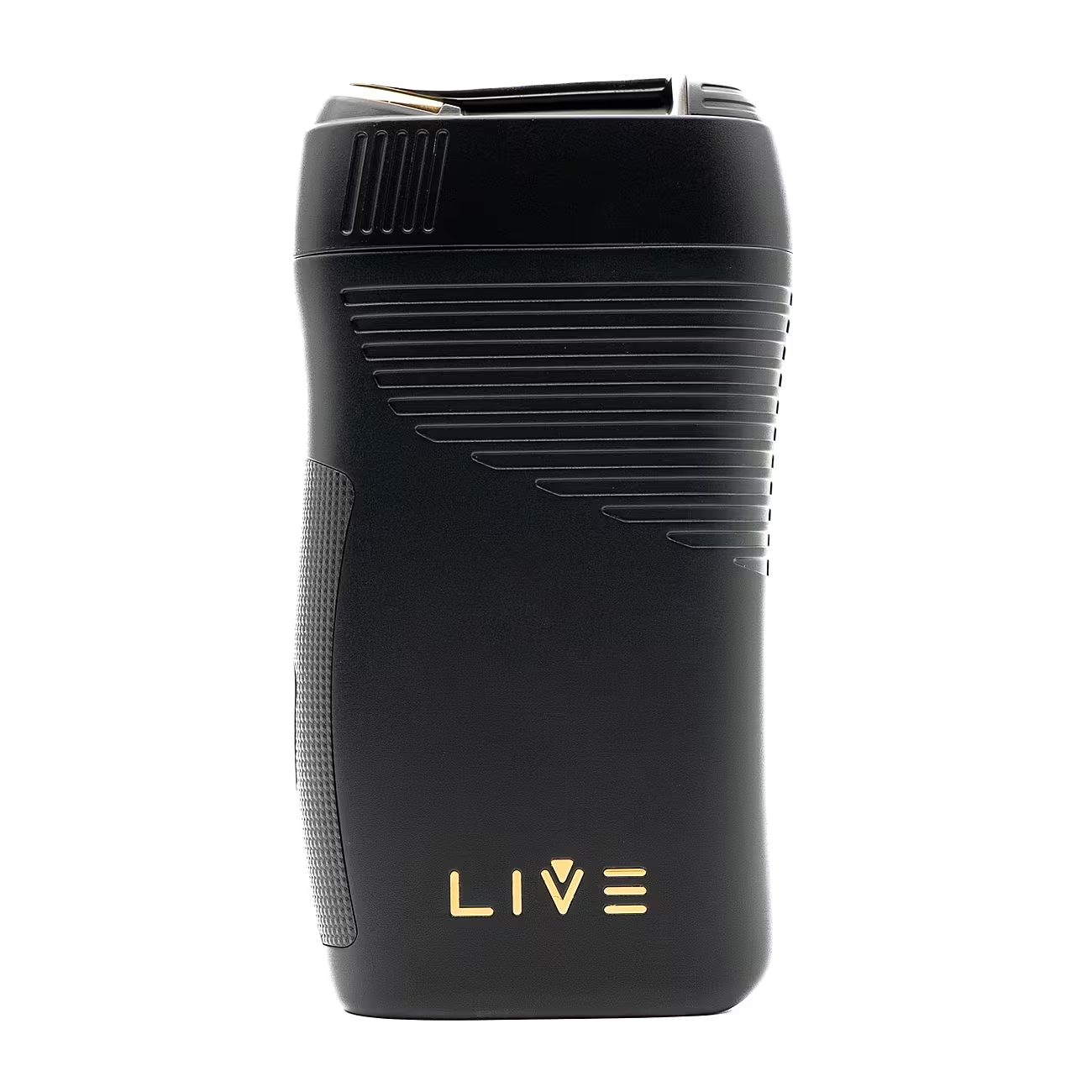
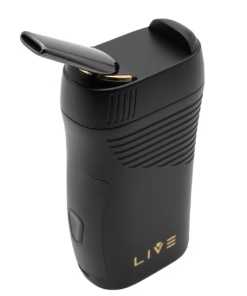
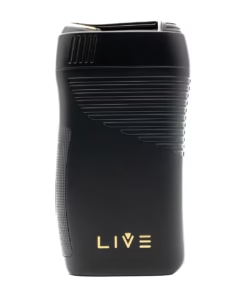
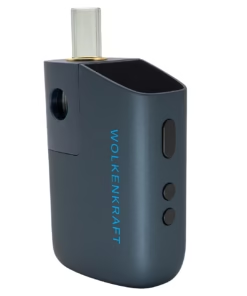
The Wolkenkraft LIVE combines convection heating with detailed session controls in a portable vaporiser. Its titanium chamber and zirconium ceramic mouthpiece sit alongside a colour display, giving you a clear view of your settings.
Choose a temperature between 40°C and 220°C, then set a session length that suits you. Whether you prefer simple manual adjustments or saved programmes, the LIVE gives you room to customise your routine.
Key features
- Convection heating.
- Titanium filling chamber.
- Zirconium ceramic mouthpiece.
- Coolscreen cooling module.
- Temperature range of 40°C–220°C.
- Three memory slots for saved settings.
- Three-stage Sequence Mode.
- Extension Mode for extra session time.
- 3000 mAh battery with USB-C charging.
Convection heating and a titanium chamber
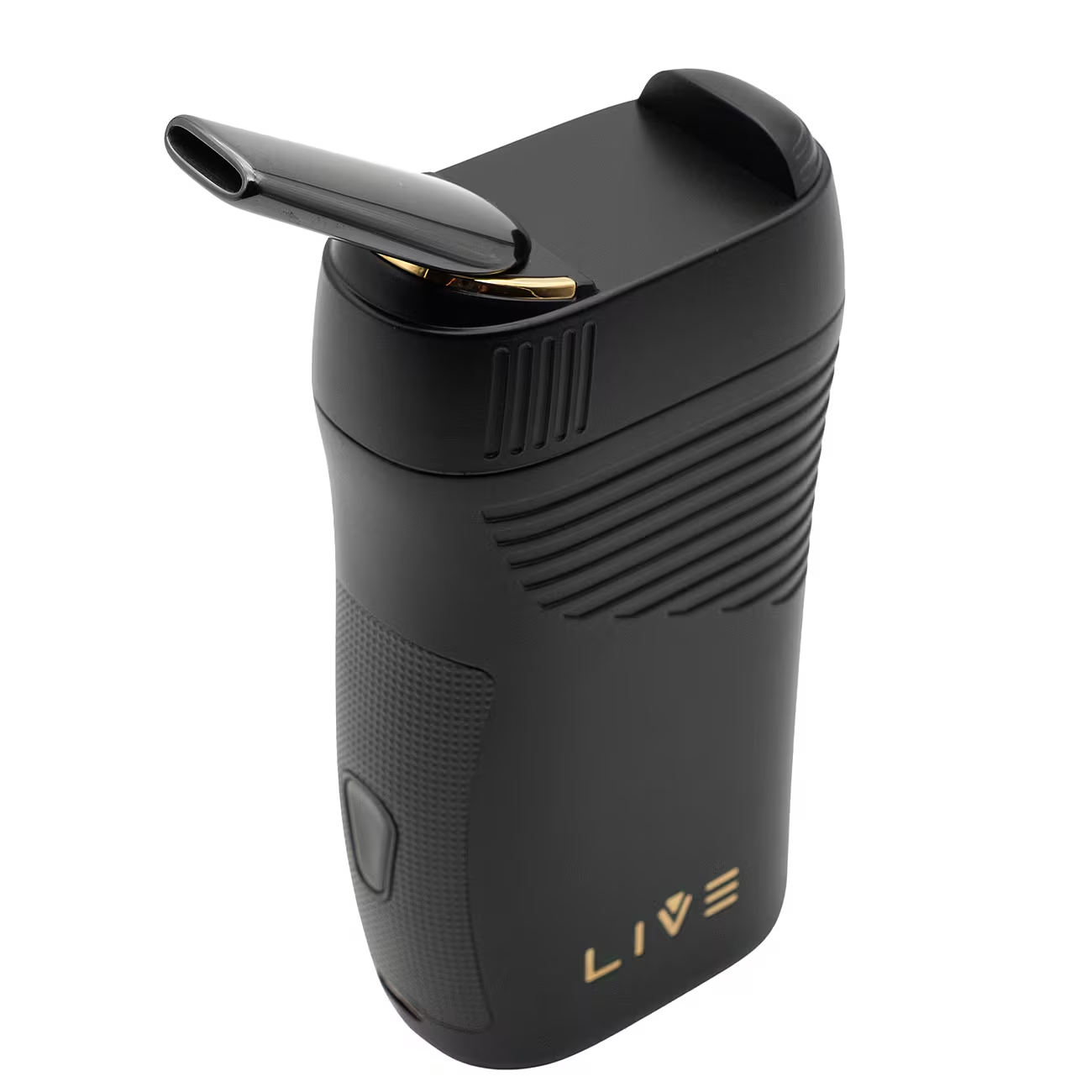
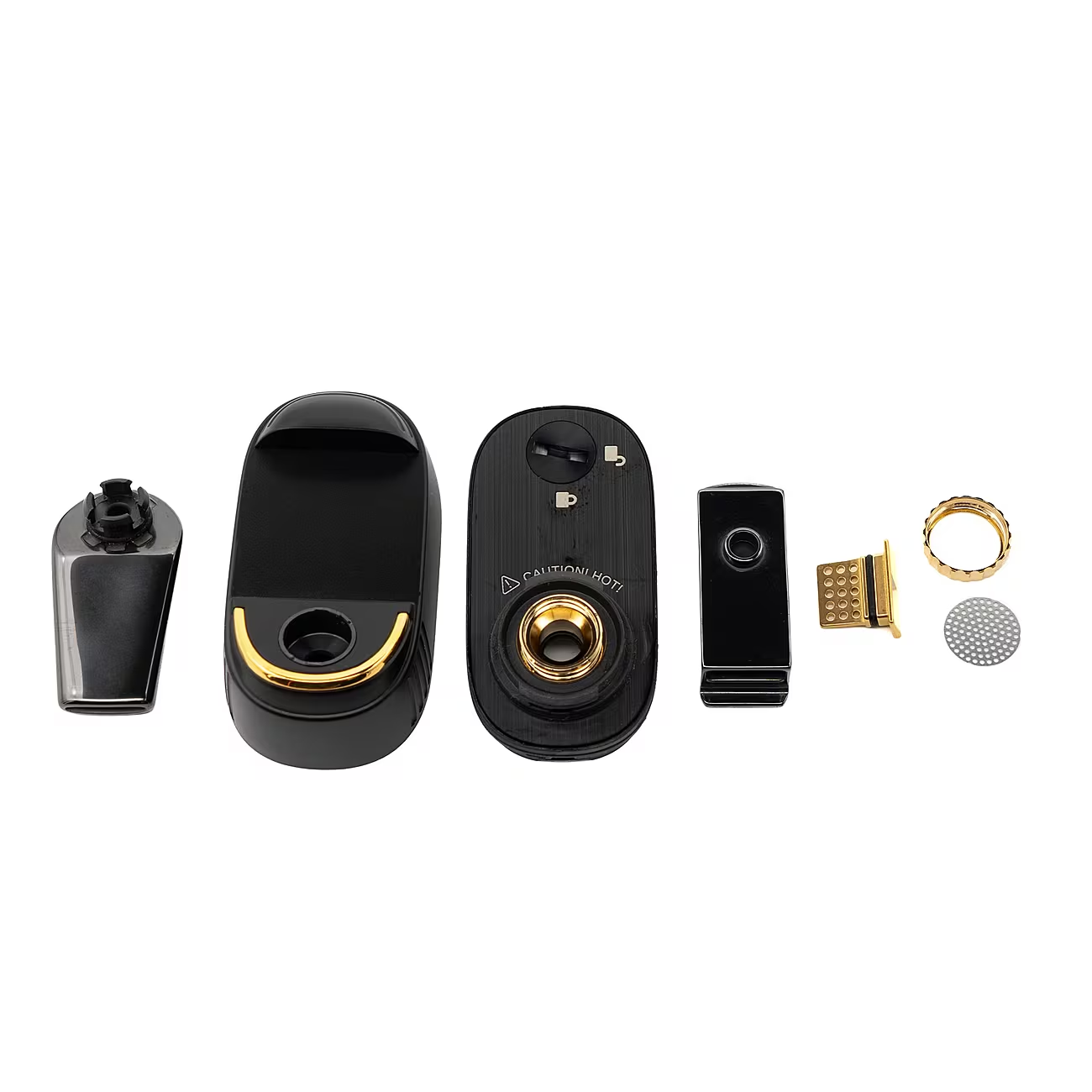
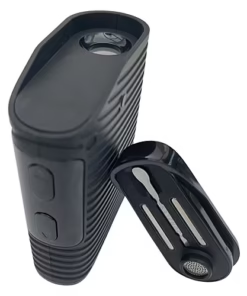
The Wolkenkraft LIVE uses convection to heat your material with hot air. Its titanium chamber provides a durable loading area, while the removable mouthpiece base gives you access from above.
For loading, loosely fill the chamber with suitable ground herbs. Avoid overfilling it, so air has space to pass through the material. Alternatively, insert a prepared herb dosing capsule for a quicker change between sessions.
Coolscreen vapour cooling
Inside the mouthpiece base, the Coolscreen module combines zirconium dioxide ceramic with a gold-plated filter. Vapour passes through this cooling section before reaching the mouthpiece.
This built-in arrangement keeps the cooling components together within the device. Meanwhile, the zirconium ceramic mouthpiece completes the vapour path without an exposed glass stem.
Save your preferred settings
The LIVE offers three memory slots: M1, M2 and M3. Each slot stores your chosen temperature, operating time, material type and entered quantity.
As a result, you can prepare different settings and return to them without rebuilding your programme each time. For example, keep one slot for a shorter session and another for a longer routine.
Three-stage Sequence Mode
Sequence Mode lets you set three stages, labelled S1, S2 and S3. Each stage has its own temperature and duration, and the device moves through them automatically.
You can programme temperatures to rise or fall across the session. The combined duration of all three stages can reach a maximum of seven minutes. Therefore, you can plan the whole sequence before heating begins.
Extension Mode
If you want more time after a session, Extension Mode adds two minutes.
First, enable the EXP standby setting. When the original session ends, shake the device three times at roughly a 45-degree angle during the standby countdown to start the extension. The adjustable standby window lasts between 30 seconds and three minutes.
Colour display and clear session information
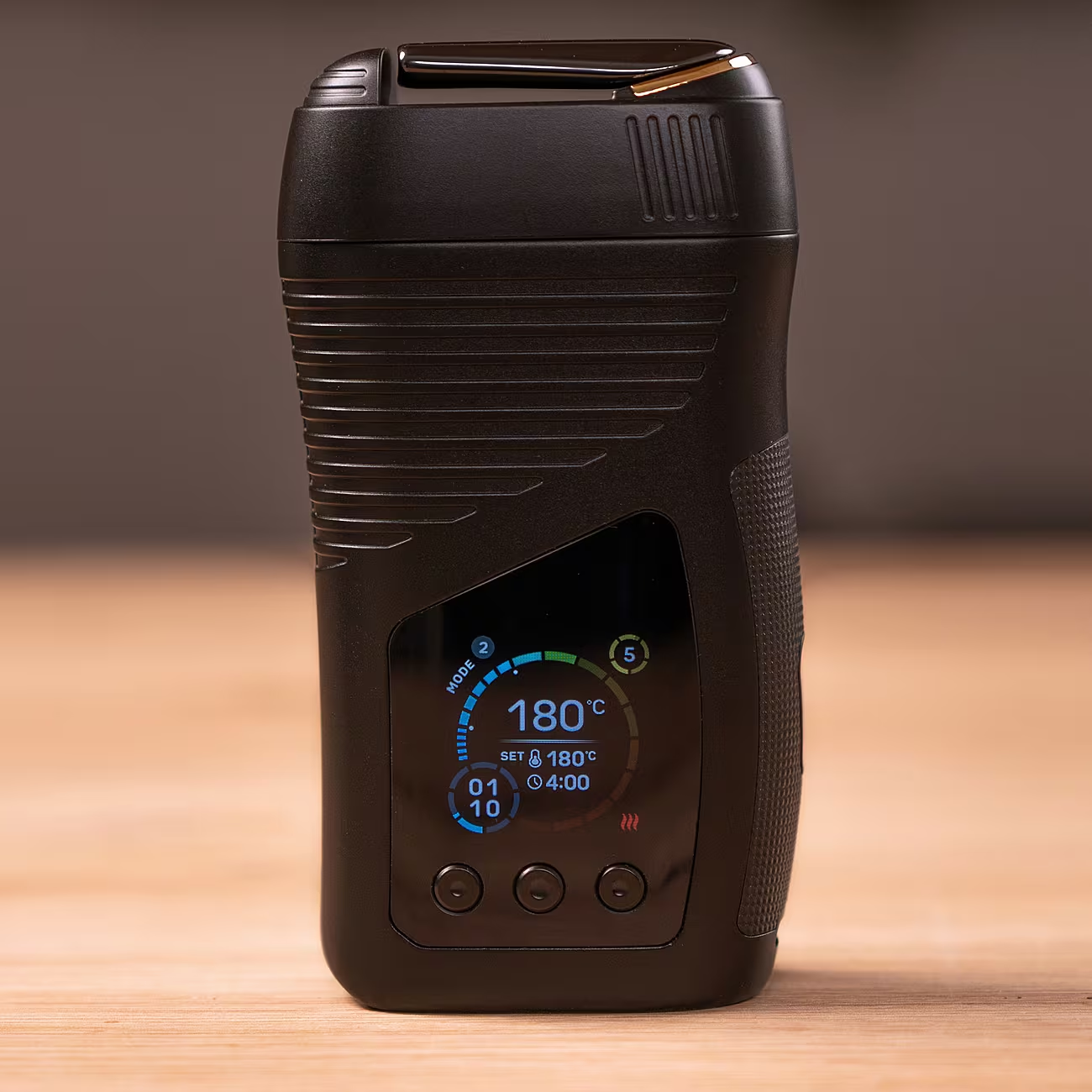
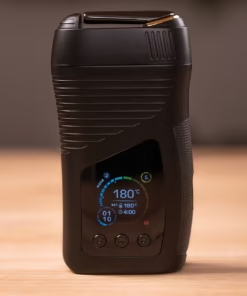
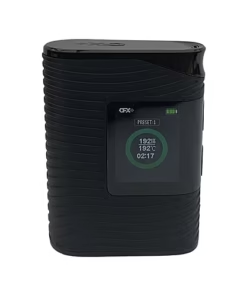
The colour display shows the current temperature, target temperature, battery level and remaining session time. It also identifies the selected mode.
Consequently, you can check the session at a glance. When using Sequence Mode, the display identifies the current stage, helping you follow your programme as it progresses.
USB-C charging
A 3000 mAh lithium-ion battery powers the Wolkenkraft LIVE. Charging takes approximately 75–85 minutes using the specified 5 V, 2 A supply.
Actual battery life depends on your temperature settings, session duration and frequency of use. At 311 g, the LIVE has a substantial feel, with dimensions of 112 × 61 × 33 mm.
Technical specifications
| Specification | Details |
|---|---|
| Heating method | Convection |
| Chamber material | Titanium |
| Chamber diameter | 12 mm |
| Mouthpiece material | Zirconium ceramic |
| Temperature range | 40°C–220°C |
| Standard session duration | 3–7 minutes |
| Extension Mode | Adds 2 minutes |
| Display size | 1.3 inches |
| Battery capacity | 3000 mAh |
| Charging connection | USB-C |
| Charging time | Approximately 75–85 minutes |
| Dimensions | 112 × 61 × 33 mm |
| Weight | 311 g |
How to use the Wolkenkraft LIVE
- First, charge the device and read the supplied instructions.
- Turn the mouthpiece base 90 degrees anticlockwise and remove it.
- Loosely load suitable ground herbs, or insert a filled herb capsule.
- Refit the mouthpiece base and turn it clockwise to secure it.
- Press the main button five times quickly to switch on.
- Select your settings or a saved mode.
- Hold the main button for two seconds to start heating.
- Once the device signals that it is ready, inhale slowly and steadily.
- Finally, switch it off and allow it to cool before emptying or cleaning it.
Cleaning and maintenance
Regular care helps keep the chamber, screens and cooling components clear of residue.
Switch off the LIVE and let it cool completely before handling internal parts. Then empty the chamber and use the supplied tools to remove loose material.
For deeper cleaning, follow the manual’s disassembly instructions for the mouthpiece base, Coolscreen module and chamber. Check the screens and seals for wear, and replace damaged parts. Allow cleaned components to dry fully before reassembly.
What’s in the box?
- Wolkenkraft LIVE vaporiser.
- Filling aid.
- Two herb dosing capsules.
- Capsule container.
- Storage pouch.
- Multi-tool.
- Seal ring set.
- Two mouthpiece screens.
- 120 cm USB-C charging cable.
- Tweezers.
- Two cleaning brushes.
- Ten cleaning sticks.
- Four cleaning wipes.
- Instruction manual.
Frequently asked questions
Can I use herbs without a dosing capsule?
Yes. You can loosely load ground herbs directly into the chamber. Capsules provide an alternative loading method.
Does Sequence Mode change the temperature automatically?
Yes. After you programme the temperature and duration for each stage, the LIVE moves through S1, S2 and S3 automatically.
How much extra time does Extension Mode provide?
It adds two minutes. The 30-second to three-minute setting controls the standby window for activating that extension.
What warranty does the Wolkenkraft LIVE include?
The LIVE comes with a five-year limited manufacturer warranty when purchased through an authorised retailer. Normal wear and tear falls outside the cover, and the manufacturer’s terms apply.
Choose the Wolkenkraft LIVE
Choose the Wolkenkraft LIVE if you want greater control over your session routine. Save your favourite settings, programme a temperature sequence and keep the supplied loading and cleaning tools together for your next session.
Be the first to review “Wolkenkraft LIVE”
Related products
Bestsellers Vaporizers
Arizer Vaporizers
Bestsellers Vaporizers
Arizer Vaporizers
Bestsellers Vaporizers
AirVape Vaporizers
Flowermate Vaporizers
Arizer Vaporizers
Reviews
There are no reviews yet.